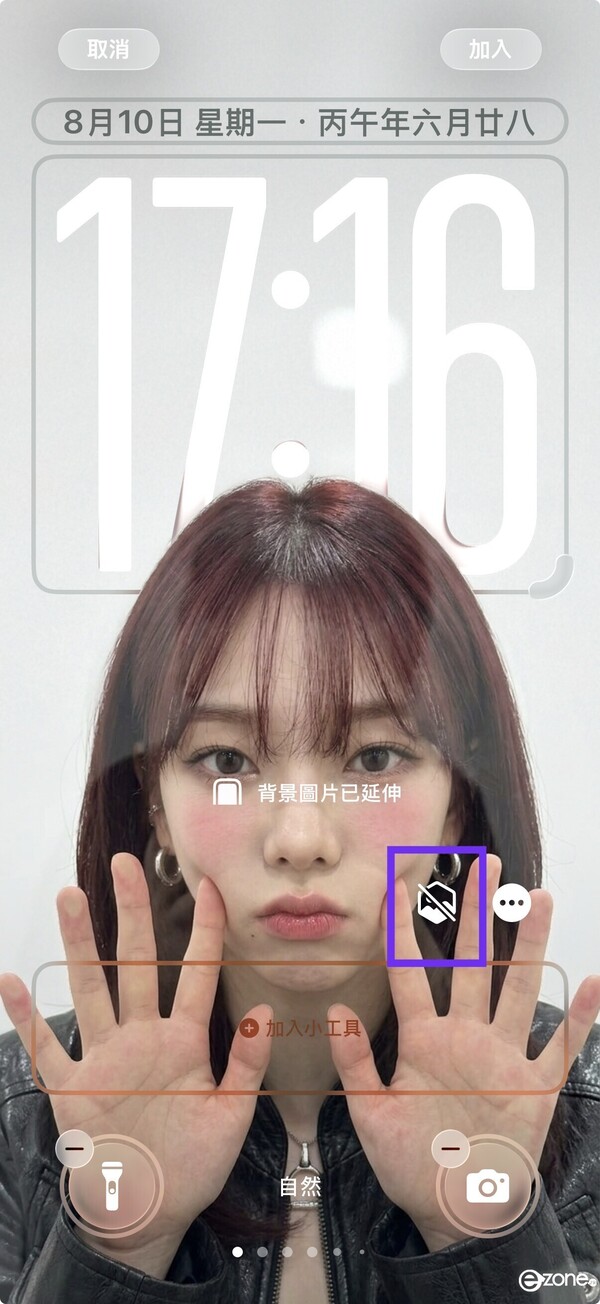
韓國爆紅!4步AI生成貼臉Wallpaper 超得意面豬登/附完整指令
|
ezone.hk
| 03-09-2026 17:37 |
在Google
追蹤《e-zone》
追蹤《e-zone》
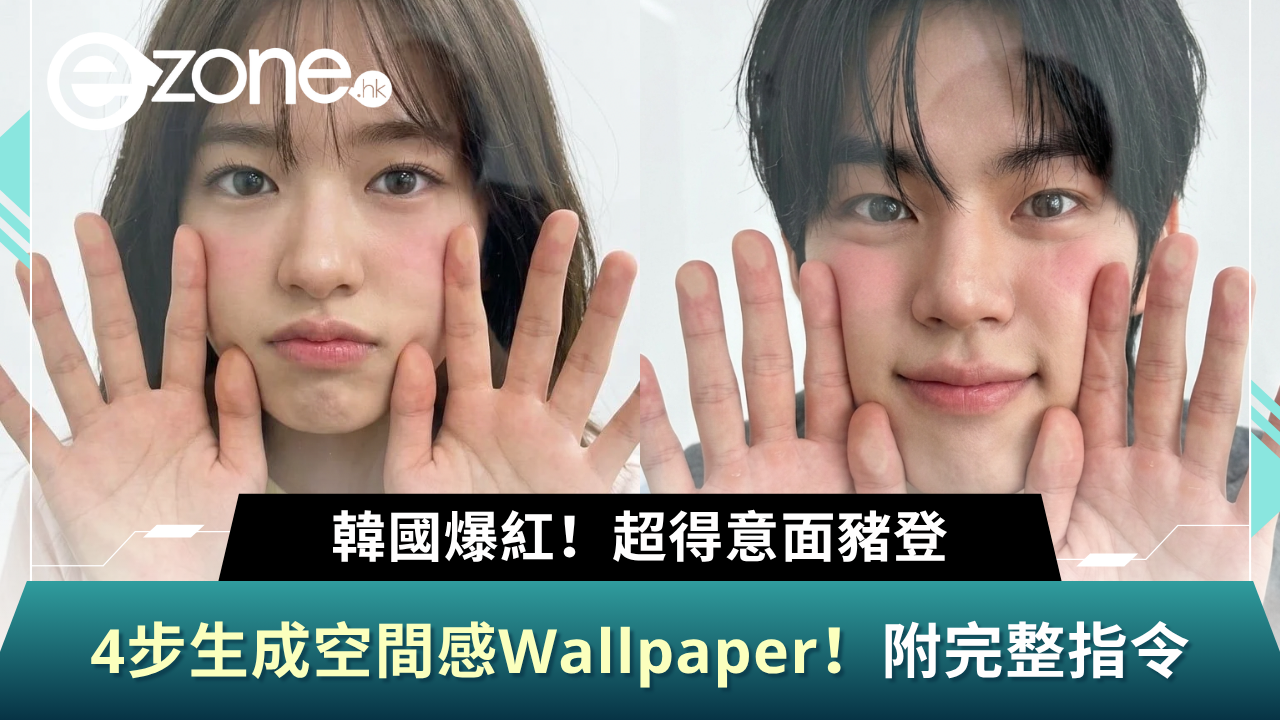
近期韓國及社交平台掀起一股「貼螢幕空間感 AI Wallpaper」熱潮!只要將自己或寵物的自拍照放進 AI 工具,就可以生成出好似面豬登緊貼手機玻璃螢幕、超級立體又得意的韓系大頭桌布!
想打開手機就見到治癒感滿滿嘅可愛桌布?小編今次就為大家整理了4步簡單製作教學,仲附上完整 AI 指令,有興趣的朋友即刻跟住以下步驟自製獨一無二嘅桌布啦!
步驟一:準備清晰自拍照
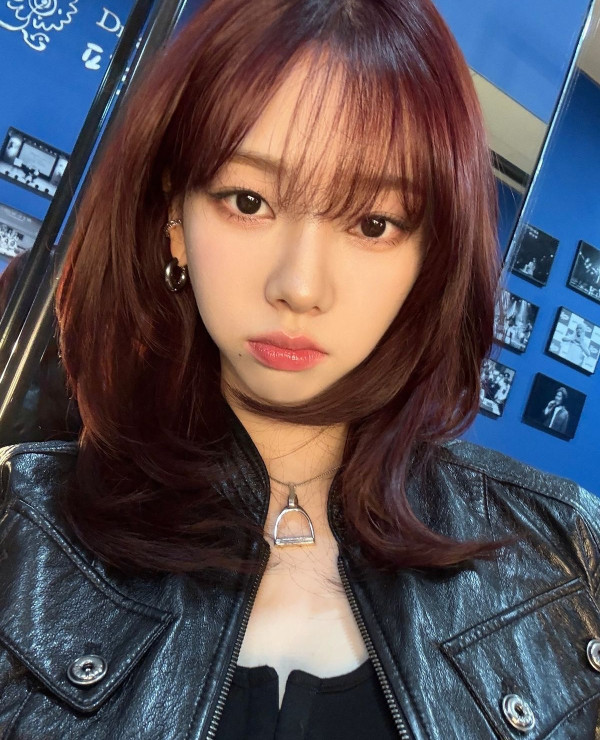
挑選一張正面、五官清晰、光線充足嘅自拍照。光線越平均,AI 分析五官特徵時效果就越自然!
步驟二:打開 AI 工具並貼上指令

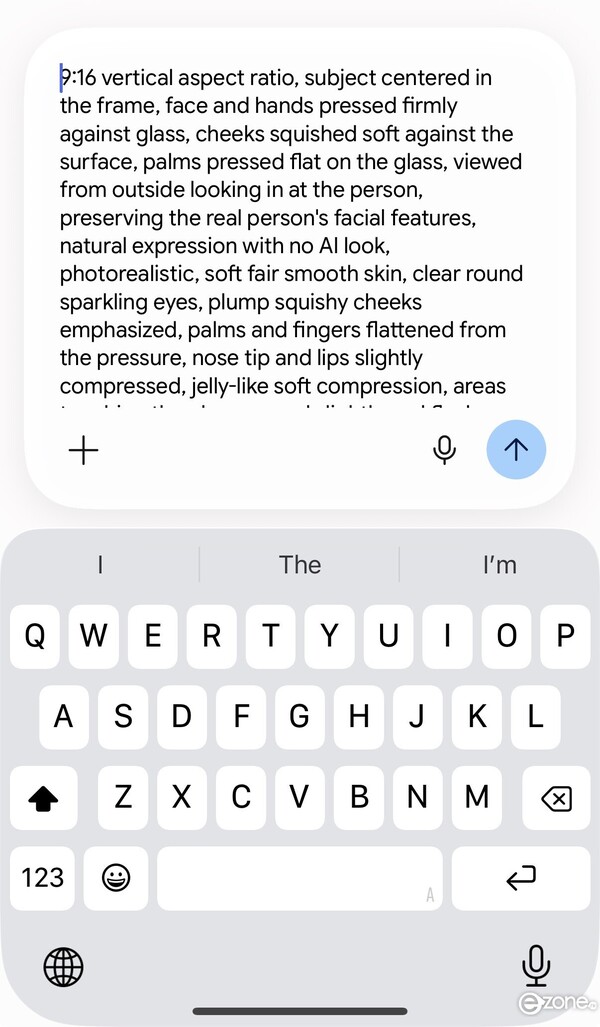
打開 Google Gemini,上載剛才選好的自拍照,然後複製並貼上小編為大家準備的專屬指令。
「9:16 vertical aspect ratio, subject centered in the frame, face and hands pressed firmly against glass, cheeks squished soft against the surface, palms pressed flat on the glass, viewed from outside looking in at the person, preserving the real person's facial features, natural expression with no AI look, photorealistic, soft fair smooth skin, clear round sparkling eyes, plump squishy cheeks emphasized, palms and fingers flattened from the pressure, nose tip and lips slightly compressed, jelly-like soft compression, areas touching the glass spread slightly and flush pink, retaining a true-to-life likeness, correct number of fingers, natural lighting, white background. 」
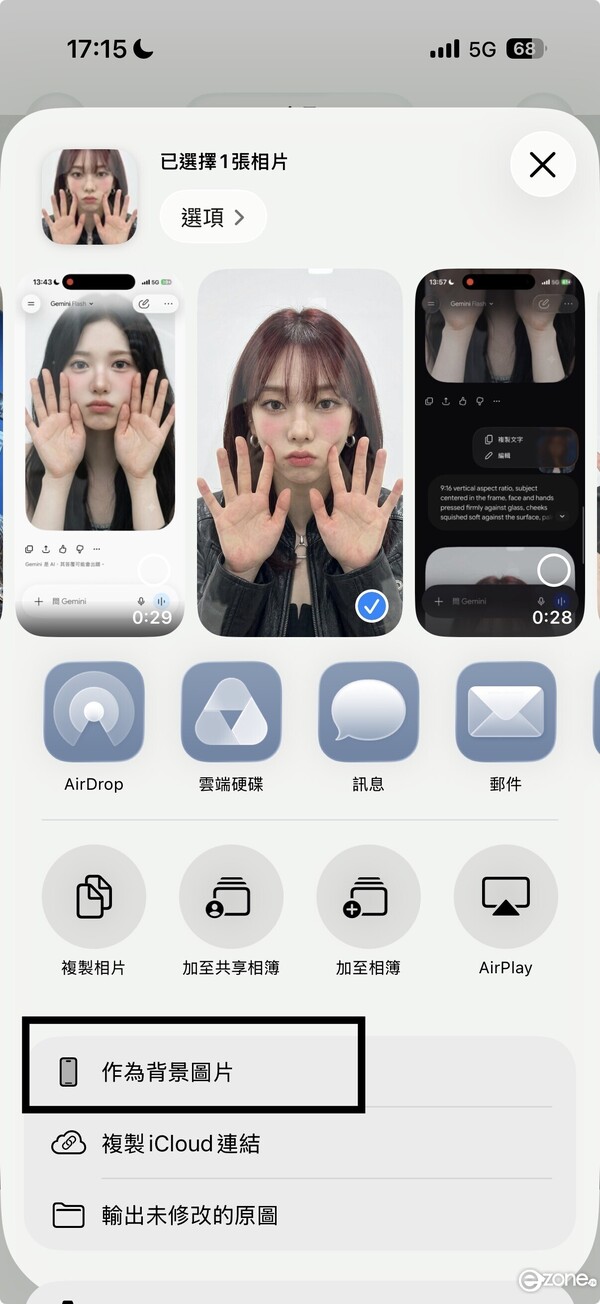
步驟三:下載圖片並設為桌布
選取最滿意嘅生成結果儲存至手機相簿,進入相簿選擇相片>「作為背景圖片」,將圖片設為鎖定畫面或主畫面。
步驟四:開啟空間場景 / 景深效果
iPhone 或 Android 用戶在設定桌布時,可調整圖片位置並開啟「景深效果」(Depth Effect)或空間場景,令時間顯示與圖像呈現前後層次感,完成!